
Start.
Open and go.
YOUR RUN. YOUR DATA. NO NOISE.
No account.No ads.Local data.
Three steps, then it's just you and the road.
Open and go.
Only the essentials.
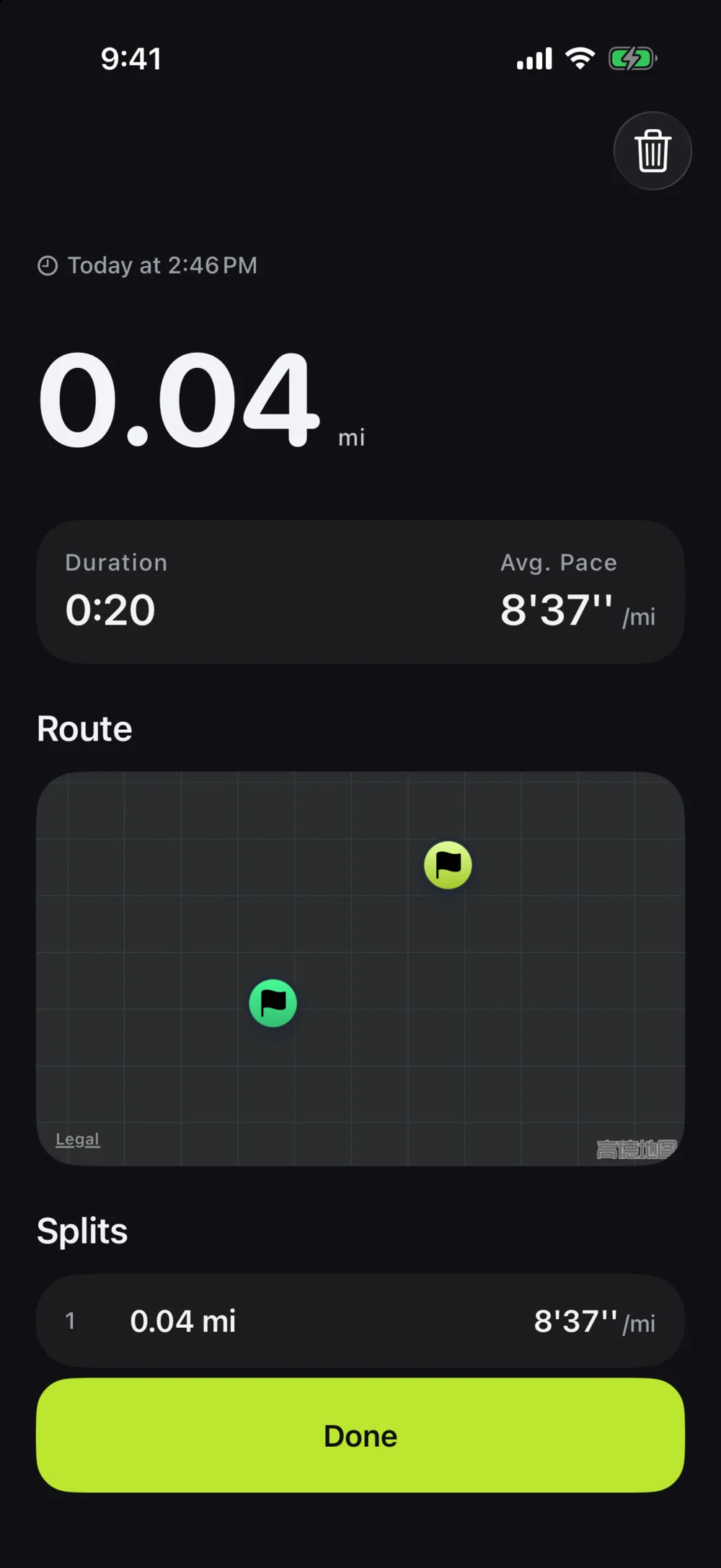
Saved locally. Instantly.
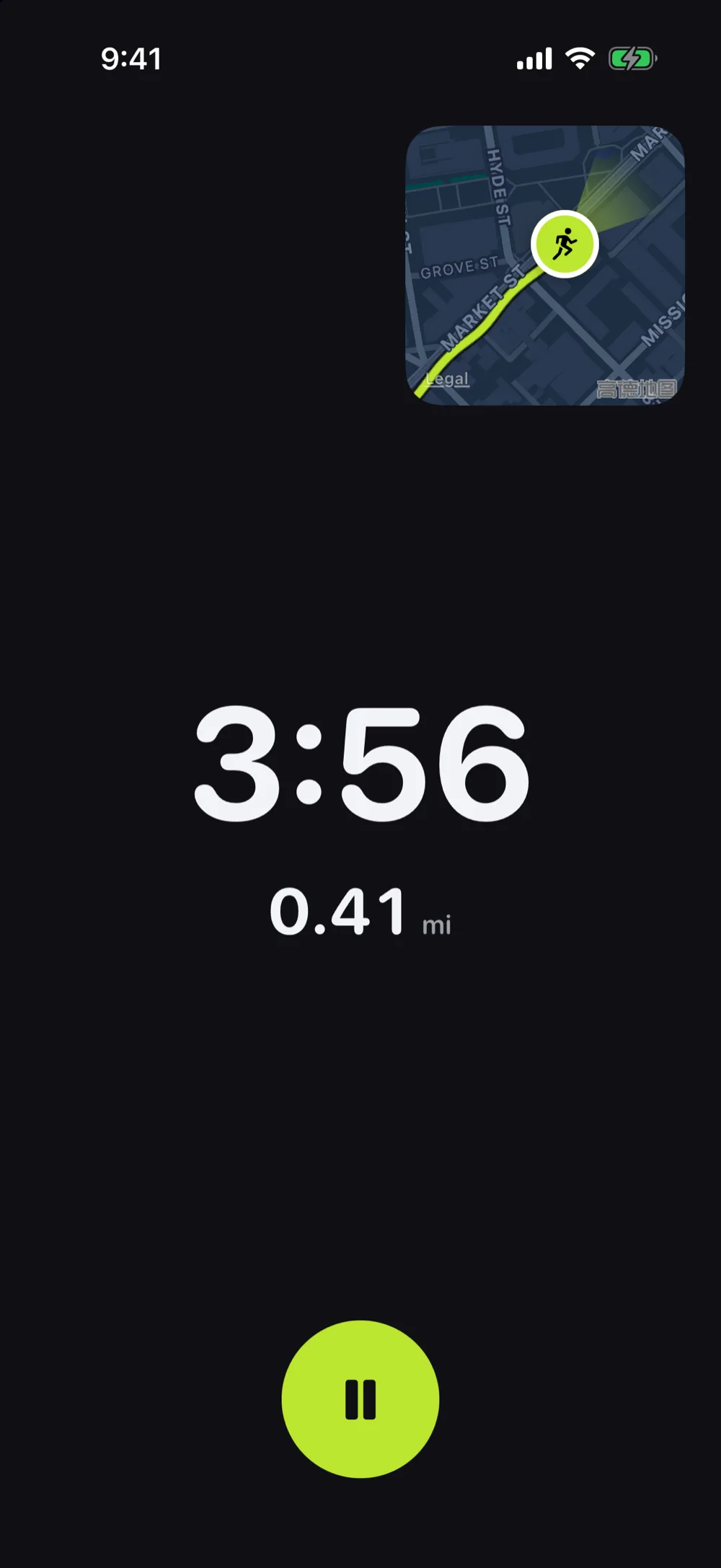
LIVE MAP
Glance at your position without leaving the run screen. Tap to expand.
Live map during a run.
The essentials, kept quiet.
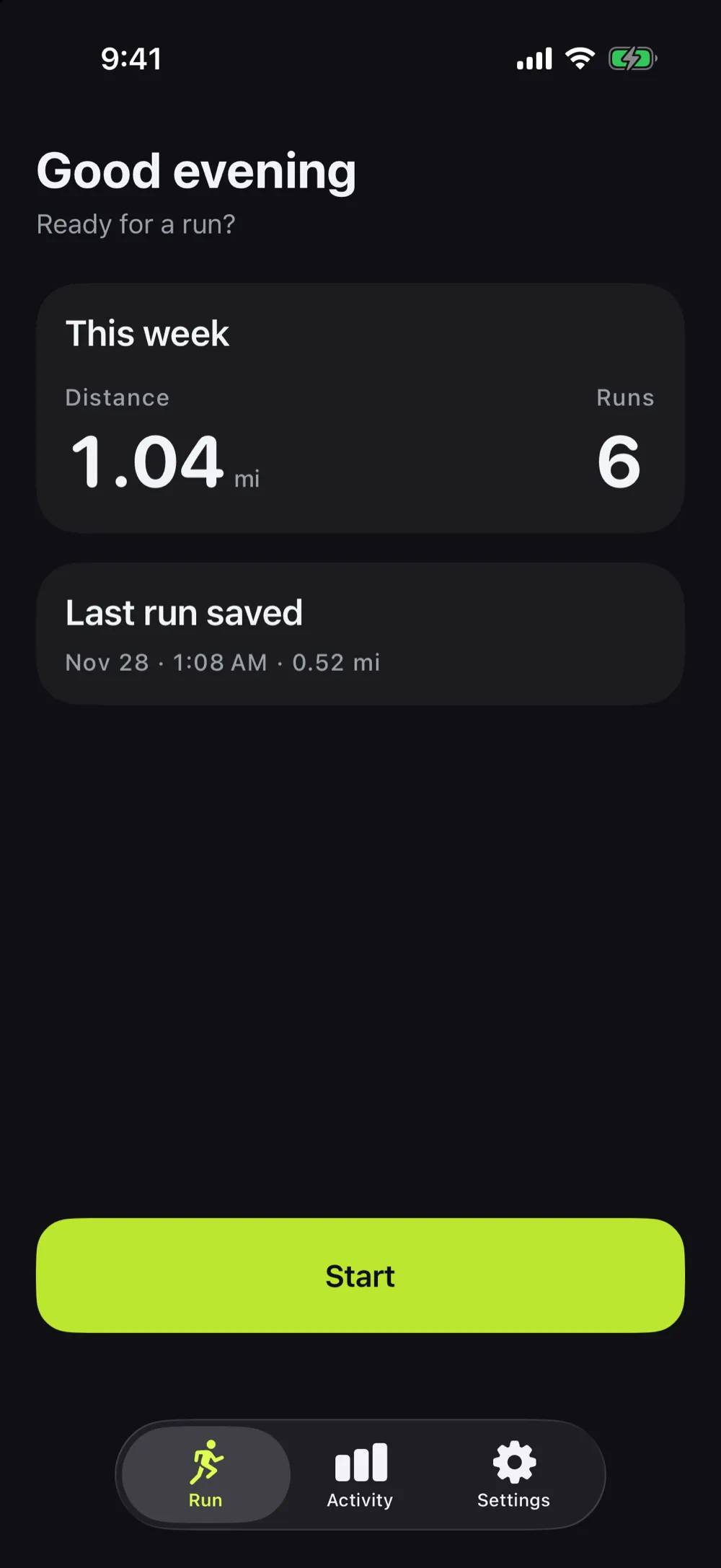
From home to running in one tap.
The clock stops when you do.
Every run, grouped and easy to find.
Saves workouts to Apple Health.
Glanceable stats on your Lock Screen.
No account. No ads. No tracking.
The whole app, without the noise.
PRIVATE BY DEFAULT.
No ETAFLOW cloud. No tracking. No hidden SDKs. Your runs are stored on your iPhone. Export your GPX files anytime.
Read the privacy policy →Your run history, routes, and settings are stored only on your iPhone. ETAFLOW has no account and no cloud server, so they are never uploaded to us. If you allow Apple Health, completed workouts are saved to Apple's Health app. Export GPX files or keep a device backup if you want another copy.
Your local run history, routes, and settings are deleted with the app. There is no ETAFLOW cloud backup to restore them. Export your runs as GPX or keep a device backup first; workouts already saved to Apple Health remain in the Health app.
No. Open the app, tap Start, and go.
Yes. Recording and history work offline. Map tiles may be unavailable without a network.
Only if you allow it. ETAFLOW writes the workout, distance, route when available, pause/resume events, and time zone. It never reads your health data.
Yes. Export all runs as GPX from Settings → Data.
LACE UP.
No noise. Just the run.